Telegram
If your team uses Telegram, you can set up X-EYE to post status updates directly to an appropriate Telegram chat or user.
Setup Guide
From your Telegram client, invite x_eye_bot to a group. It will get added as a member with no access to group messages.
Alternatively, if you want notifications sent to yourself directly, start a conversation with x_eye_bot.
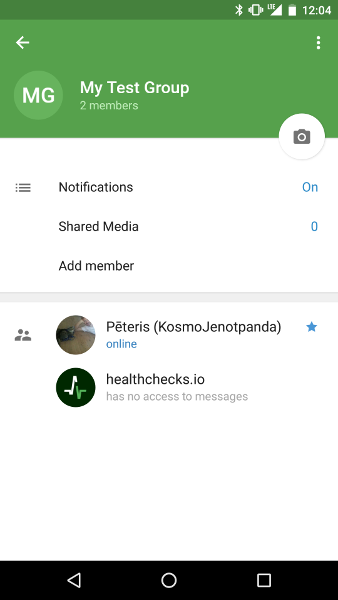
Type /start command.
If there are multiple bots in the group, type
/start@x_eye_bot instead.
The bot will respond with a confirmation link.
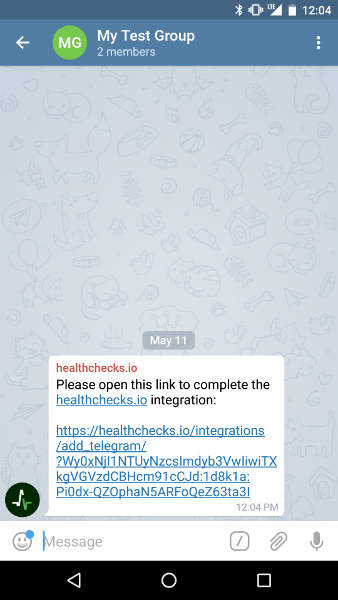
Click or tap on the confirmation link, and X-EYE will open in a browser window asking you to confirm the new integration.
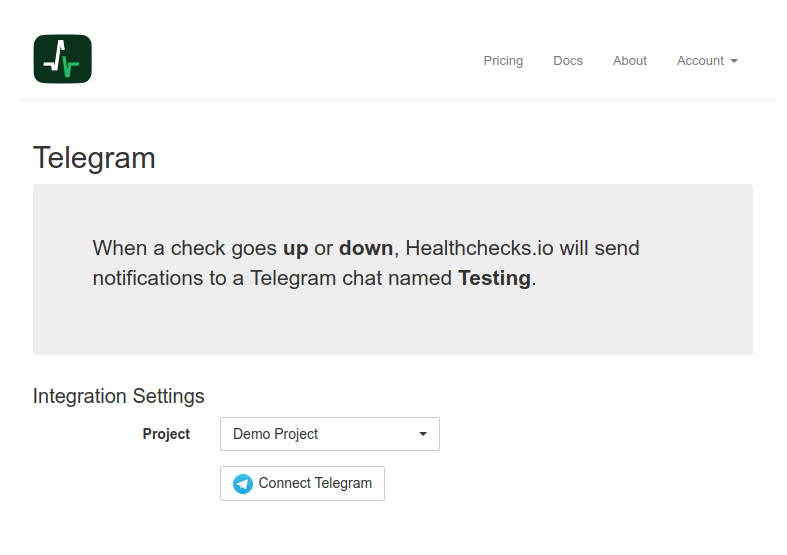
Select the project you want the Telegram integration added to, click on "Connect Telegram", and it's done!