X-EYE is a free and open source service for monitoring your cron jobs, background processes and scheduled tasks. Before adding Slack integration, please log into X-EYE:
Setup Guide
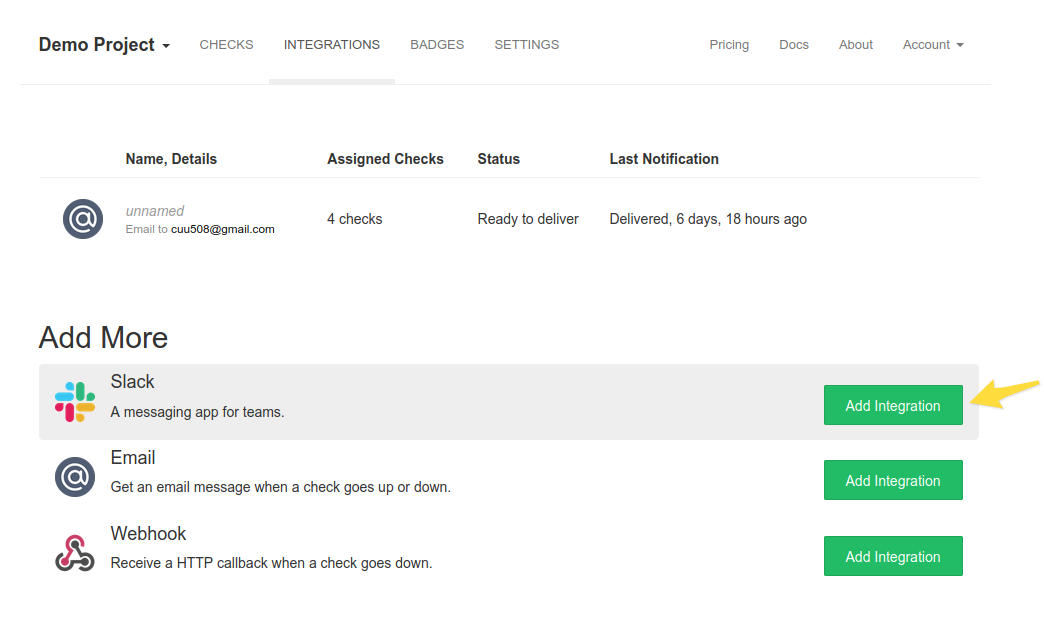
After logging in, go to the Integrations page, and click on Add Integration next to the Slack integration.
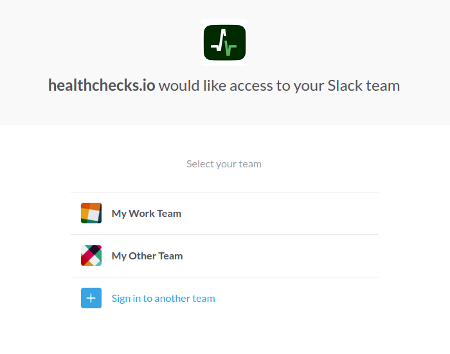
Click on the "Add to Slack" button, and you should be on a page that says "X-EYE would like access to your Slack team". Select the team you want to add the X-EYE integration app to.
You should now be on a page that says "X-EYE would like access to TEAM NAME". Select the channel you want to post X-EYE notifications to.

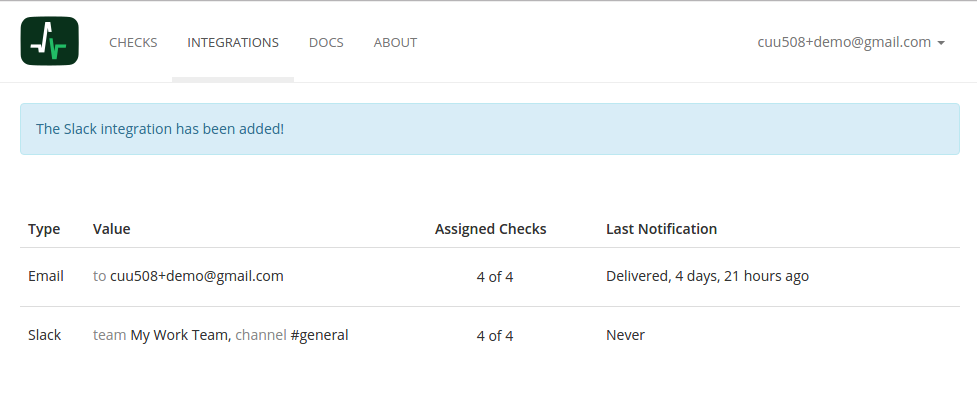
That is all! You will now be redirected back to "Integrations" page on X-EYE and see the new integration!